- Wolverine: PS5 vs PS5 Pro NXG Technical Review
Share the Story: Tweet Sibling Rivalry J ames ‘Logan’ Howlett is
- Marvel Tokon: Fighting Souls – PS5, PS5 Pro, PC, NXG Technical Review
Share the Story: Tweet Anime-zing Pulp Piece Arcade fighters have enjoyed
- Did PlayStation just Blink on Physical Game Demise?
Share the Story: Tweet Double Dipping On the latest Sony Earnings
- Spider-Man gets a new suits and glasses on PS5 Pro
Share the Story: Tweet It’s A New Day You cannot keep
- Assassin’s Creed:Black Flag Re-synced PS5 v PS5 Pro Technical Review – A new game built on Stone or Sand?
Share the Story: Tweet Sail away with me Honey Edward Kenway
- PlayStation Ejects their Disc business
Share the Story: Tweet Physical Abuse The date is finally set,
- 007 First Light: PS5 vs PS5 Pro Technical Review
Share the Story: Tweet Bond, James Bond! James Bond is an
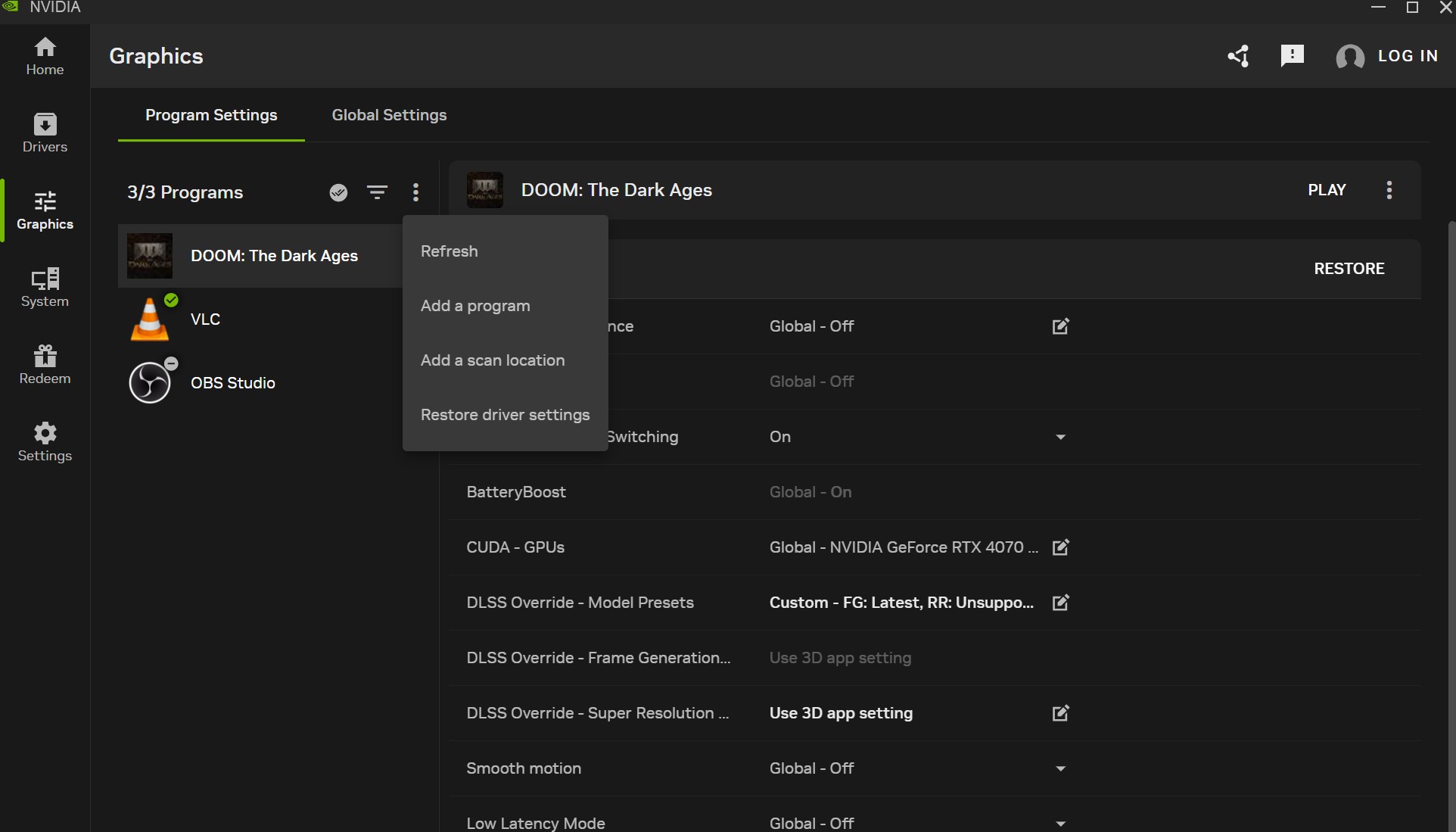
- DLSS4.5 Ray Reconstruction will brighten our Summer
Share the Story: Tweet Ray-Bans for all Nvidia continue to iterate
- The Witcher 3 Gets a New Expansion
Share the Story: Tweet Geralt Rides again You cannot keep a
- Saros Technical Review PS5 vs PS5 Pro
Share the Story: Tweet Housemarque have been a staple in gaming
- Xbox Game Pass Price Dropped
Share the Story: Tweet What goes up, Must come down Microsoft
- CyberPunk 2077 PS5 Pro Ray Tracing & PSSR2 Upgrade – NXG Technical Review
Share the Story: Tweet The CyberRazor Cut The patch comes in
- CyberPunk 2077 Gets the Full Ray Tracing Upgrade we longed for April 8th
Share the Story: Tweet CyberRazor Cut It is finally coming, the
- PS5 Price April Price Increase, is now the time to buy?
Share the Story: Tweet https://youtu.be/ldqAxjklyHE Faster, better, more expensive! The Sony
- Crimson Desert – 1st Look NXG Technical Review
https://youtu.be/XE8aQNI7vkw Share the Story: Tweet Crimson Desert Falls into PS5 Pearl
- Resident Evil: Requiem – NXG Technical Review
Resident Evil: REquiem is another REengine powered monster. Great on consoles, much better on PS5 Pro and PC.
- PSSR 2.0 Enhancements Land on PS5 Pro
Share the Story: Tweet Eye of the Beholder F resh on